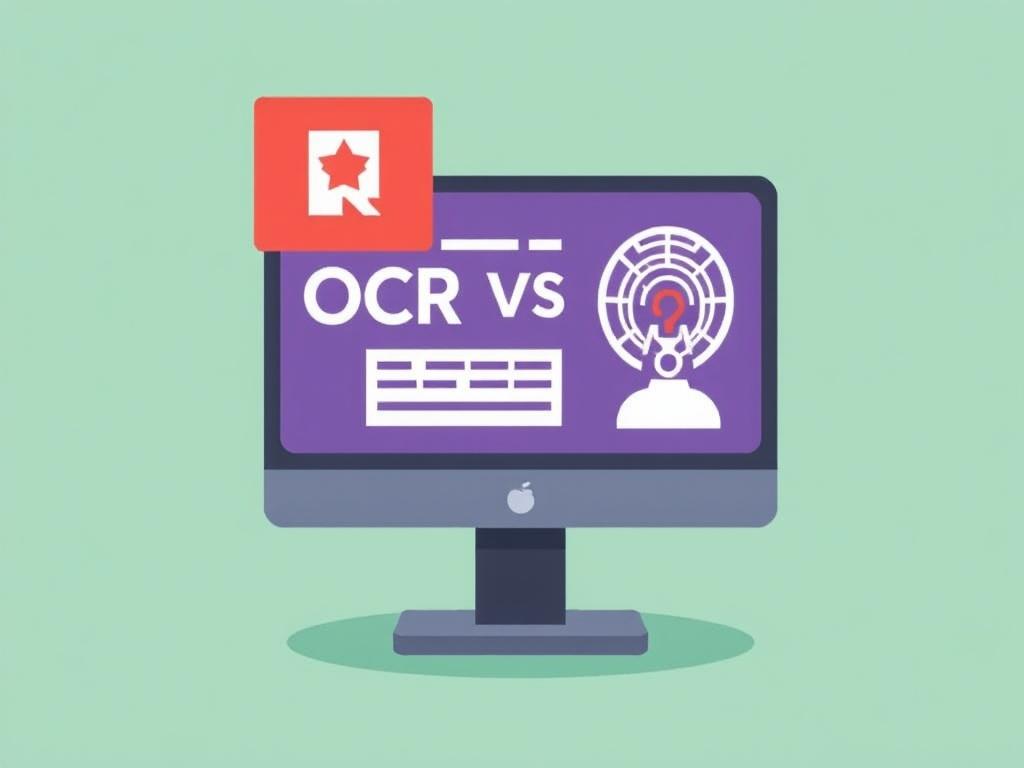
For years, optical character recognition turned pixels into characters and called it a day. It was a useful trick, but limited. The new wave brings understanding to the table—systems that not only read, but interpret, validate, and learn. That’s the crux of OCR vs AI: What’s Changing in Document Processing, and why so many teams are rethinking their pipelines.
What OCR does well—and where it stumbles
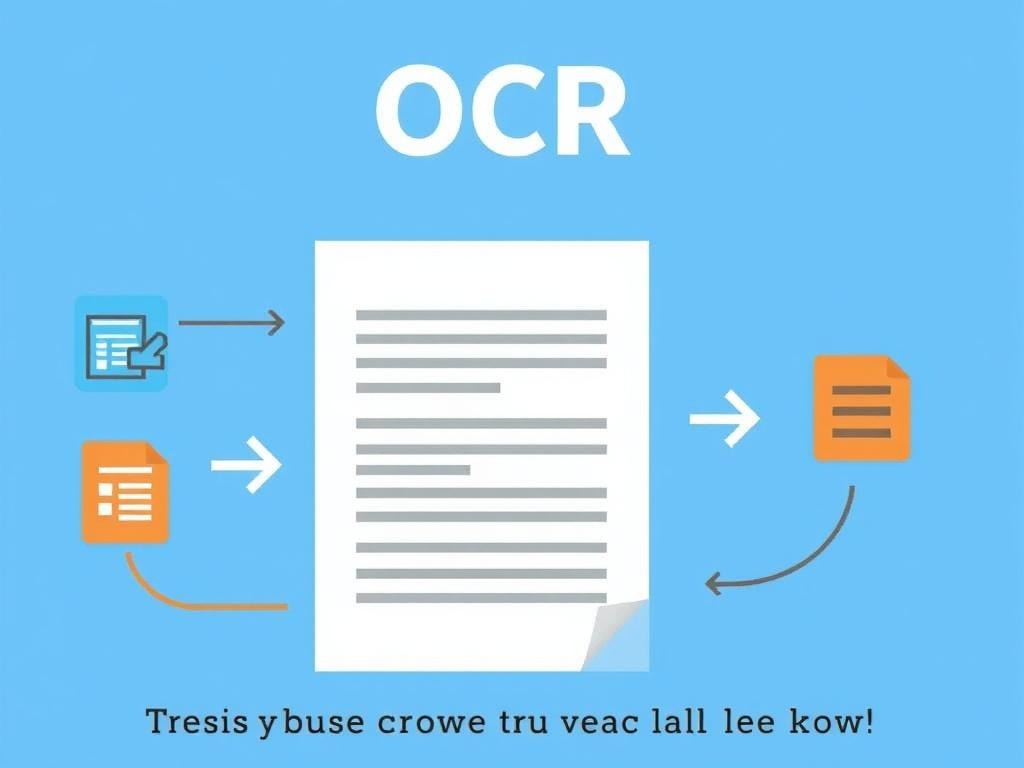
Classic OCR excels at transcription. Feed it clean, printed text, and you’ll get machine-readable characters that search engines, databases, and scripts can use. It’s fast, reliable on standard fonts, and ideal when the page layout never changes much.
But life outside the lab is messy. Scans are skewed, stamps overlap, handwriting sneaks in, and every vendor seems to love a different form. Traditional OCR can still return characters, yet it doesn’t know that “Total Due” is a number to reconcile, or that a signature block authorizes a contract. It reads; it does not reason.
What AI adds: understanding, not just reading
AI systems—usually a blend of computer vision and natural language processing—push past transcription. They map structure (tables, headers, footers), recognize entities (names, dates, amounts), and infer relationships across a page or a packet of pages. Instead of spitting out a text blob, they build a representation of what the document means.
Because they learn patterns, AI models adapt to varied layouts and noisy inputs better than rule-bound templates. A payment term moved to the sidebar? A rotated invoice? A new vendor stamp? Modern models can still chase down the right fields, and they can say how confident they are. That confidence becomes the backbone for automation with guardrails.
From pixels to meaning: a quick comparison
It helps to see the shift side by side. OCR is a reader; AI is a reader, analyst, and sometimes a reviewer. The more your process depends on context—matching line items to purchase orders, triaging claims, flagging anomalies—the more value the AI layer brings.
Another practical difference: maintenance. Template-based systems require frequent tweaks when formats change. AI-driven extractors, trained on varied examples, tend to generalize and need fewer emergency fixes, especially when a human-in-the-loop supplies feedback that becomes new training data.
| Dimension | OCR | AI document understanding |
|---|---|---|
| Primary output | Text transcription | Structured fields, entities, and relationships |
| Layout changes | Sensitive; needs templates | More robust; learns from variation |
| Handwriting and noise | Limited accuracy | Improved with specialized models |
| Validation | External rules required | Built-in checks, confidence scores, cross-field logic |
| Maintenance | Frequent rule updates | Periodic retraining and feedback |
Real-world shifts: invoices, claims, and contracts
Consider accounts payable. OCR will pull text from invoices, but someone still has to find the vendor ID, match totals, and catch tax quirks. With an AI layer, the system can extract line items, flag mismatches against a purchase order, and route exceptions to a reviewer—with the tricky five percent bubbling up instead of clogging the entire queue.
In insurance, claims arrive as photos, scanned forms, and long email threads. AI can stitch those pieces together, identify policy numbers and incident dates, and triage the case. Legal teams use similar pipelines for contracts: clause detection, risk tagging, and obligation tracking that would be tedious with transcription alone.
Building a modern pipeline
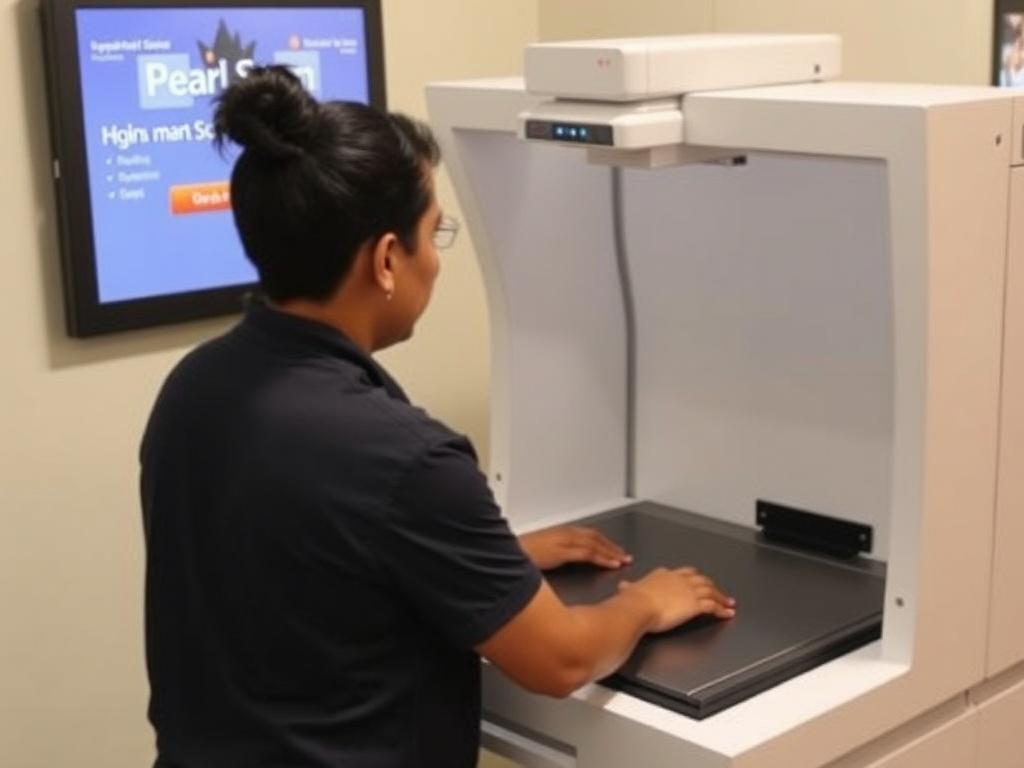
You don’t replace OCR; you surround it. The foundation is still high-quality capture and preprocessing—deskewing, denoising, and image enhancement boost everything that follows. Then comes OCR for raw text, followed by models that parse layout, extract fields, and reason about the content.
The most resilient setups combine automation with targeted review. Low-risk items sail through; edge cases get human attention, and that feedback improves the model. Over a few cycles, exception rates fall not because rules multiply, but because the system learns.
- Capture: standardize scanning, set DPI, and preserve color when it carries meaning.
- Preprocess: deskew, remove artifacts, and normalize contrast.
- Transcribe: run OCR optimized for print or handwriting as needed.
- Understand: apply AI for layout detection, entity extraction, and cross-field validation.
- Review: route by confidence thresholds; log rationales for audit.
- Learn: feed corrections back into training; monitor drift over time.
- Govern: protect sensitive data, and version models and prompts like code.
Challenges and guardrails
AI is powerful, not magical. Models can drift as document styles change, or overfit to the last vendor that shouted the loudest. Set up monitoring with baseline metrics—character error rate for OCR, and precision/recall or F1 for field extraction—so you notice when quality slips before users do.
Privacy and compliance matter as much as accuracy. Documents often contain PII, health data, or trade secrets. Favor redaction at the edge, encryption in transit and at rest, and systems that keep training data segregated. For high-stakes work, preserve explainability: store feature attributions, confidence scores, and the exact version of each model that touched the file.
Costs, tools, and making the case
Licensing for AI services can look steeper than a basic OCR engine, but the real math lives in rework and cycle time. If analysts spend less time fixing extraction and more time resolving true exceptions, the savings compound. Pilots that track “touch time per document” and “first-pass yield” make the value visible without hand-waving.
Tooling spans open source and commercial. You can mix-and-match—open OCR paired with a vendor’s layout parser, or a hosted API wrapped in your own validation rules. What matters most is clean capture, measurable quality, and a feedback path that’s easy for reviewers to use.
Where it’s heading
Multimodal models are closing the gap between reading and reasoning. They consider images, text, and even markups at once, which helps with complex forms, stamps, and signatures. On-device inference is getting lighter too, so edge scanners can do more without shipping sensitive pages to the cloud.
The bigger shift is cultural. Teams are moving from brittle templates to living systems that learn in production, with guardrails that keep risk in check. In that world, the old OCR engine isn’t obsolete—it’s part of a smarter stack that turns documents into decisions, at the speed your business actually runs.